 Lagotto
A job search tracker that tells you what to do next
Lagotto keeps every role, its status, your notes and the next action in one place, on your Mac, iPhone and iPad.
Every role in one place
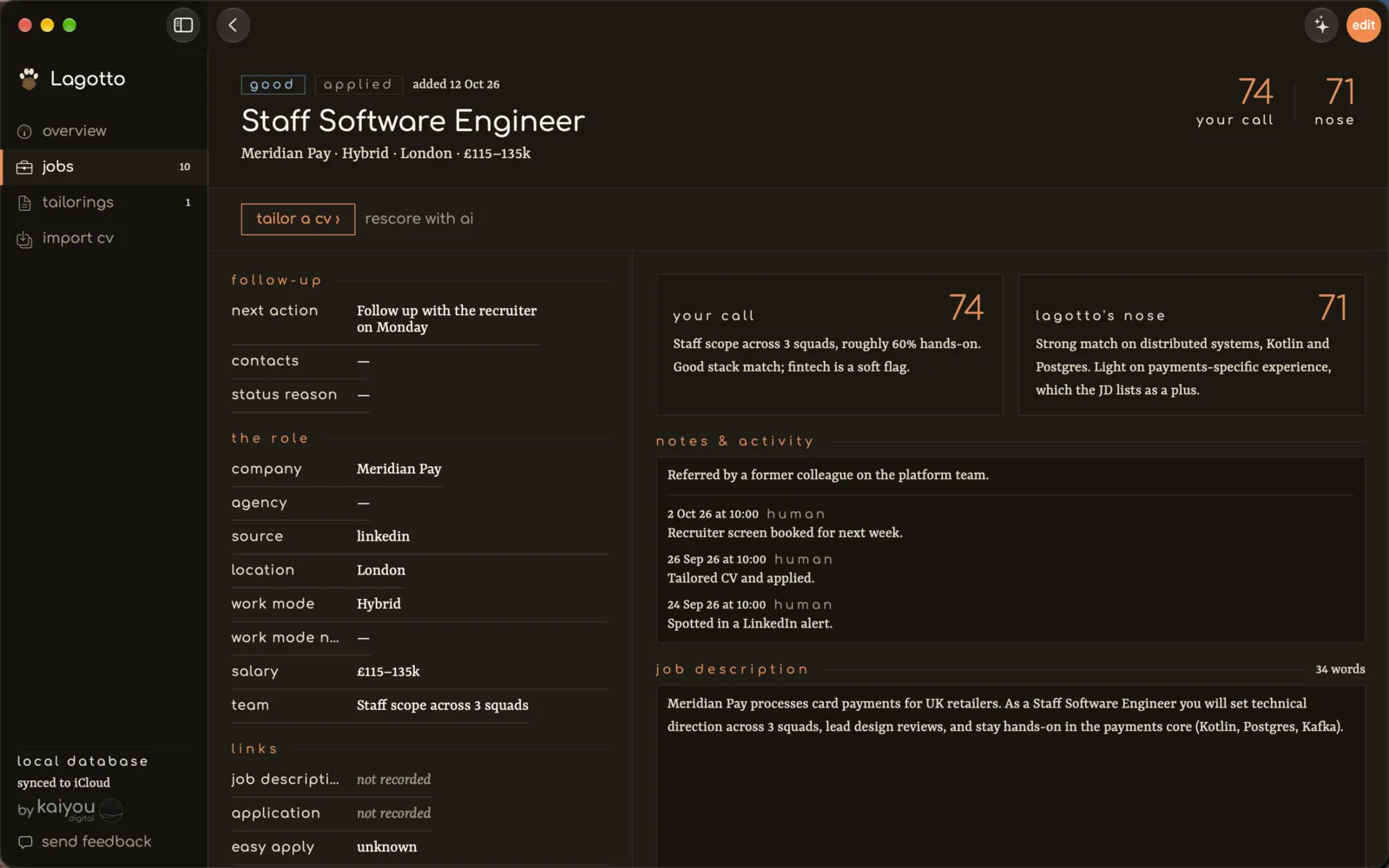
Each role has a status, your notes, the next action and an activity log, so you can see what happened and when. Add a role from the page you are reading with the Safari extension, or import it from a link. Lagotto warns you if you add a role you already track.
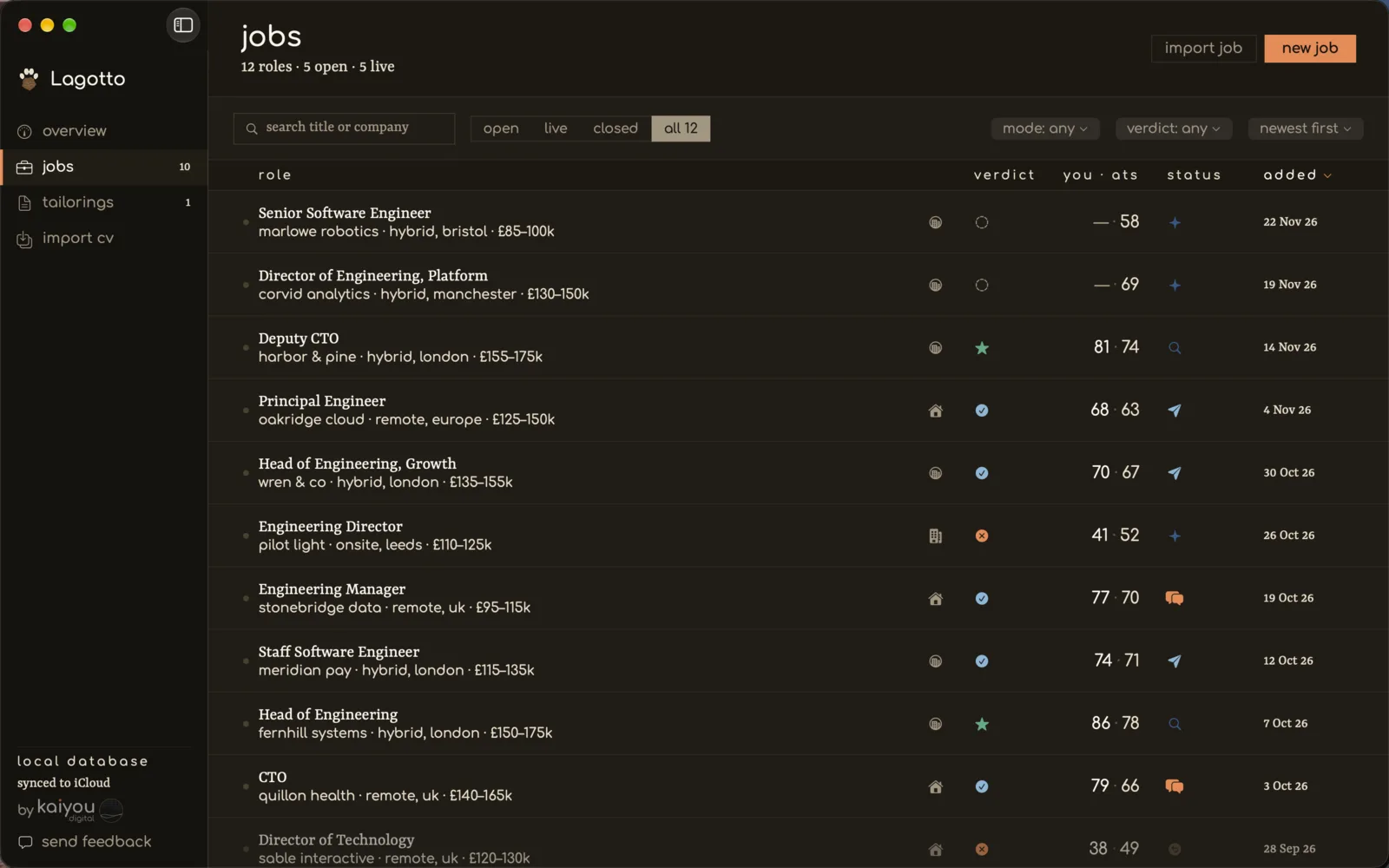
It shows what needs you
The overview lists the roles that need you: one to chase, one to tailor a CV for, one still to score. It is worked out from what you have already recorded, so there is nothing extra to keep up to date.
Reasons, so future you remembers
When you change a role's status, Lagotto asks for an optional reason (why you passed, or why it ended) and keeps it with the role. A short note now saves you guessing in three weeks.
The same search on every device
Your roles are stored on your devices and your iCloud, so your Mac, iPhone and iPad show the same search. There is no Lagotto account to create.
What Lagotto never does
- Create an account for you. There is no Lagotto account.
- Send your roles or CV to an AI unless you run a feature that needs one.
- Apply to a job, or send anything to an employer, on your behalf.
Questions
Which devices does it run on?
Lagotto runs on Mac, iPhone and iPad, and syncs through your iCloud.
Do I need an account?
No. There is no Lagotto account. Your data stays on your devices and in your iCloud.
What does it cost?
Lagotto is free during the beta, with a one-time purchase at launch.
Does it find jobs for me?
No. Lagotto tracks the roles you bring in. It does not search job boards.